Assignments
Assign a learning path with a due date and a target seeded for each learner.
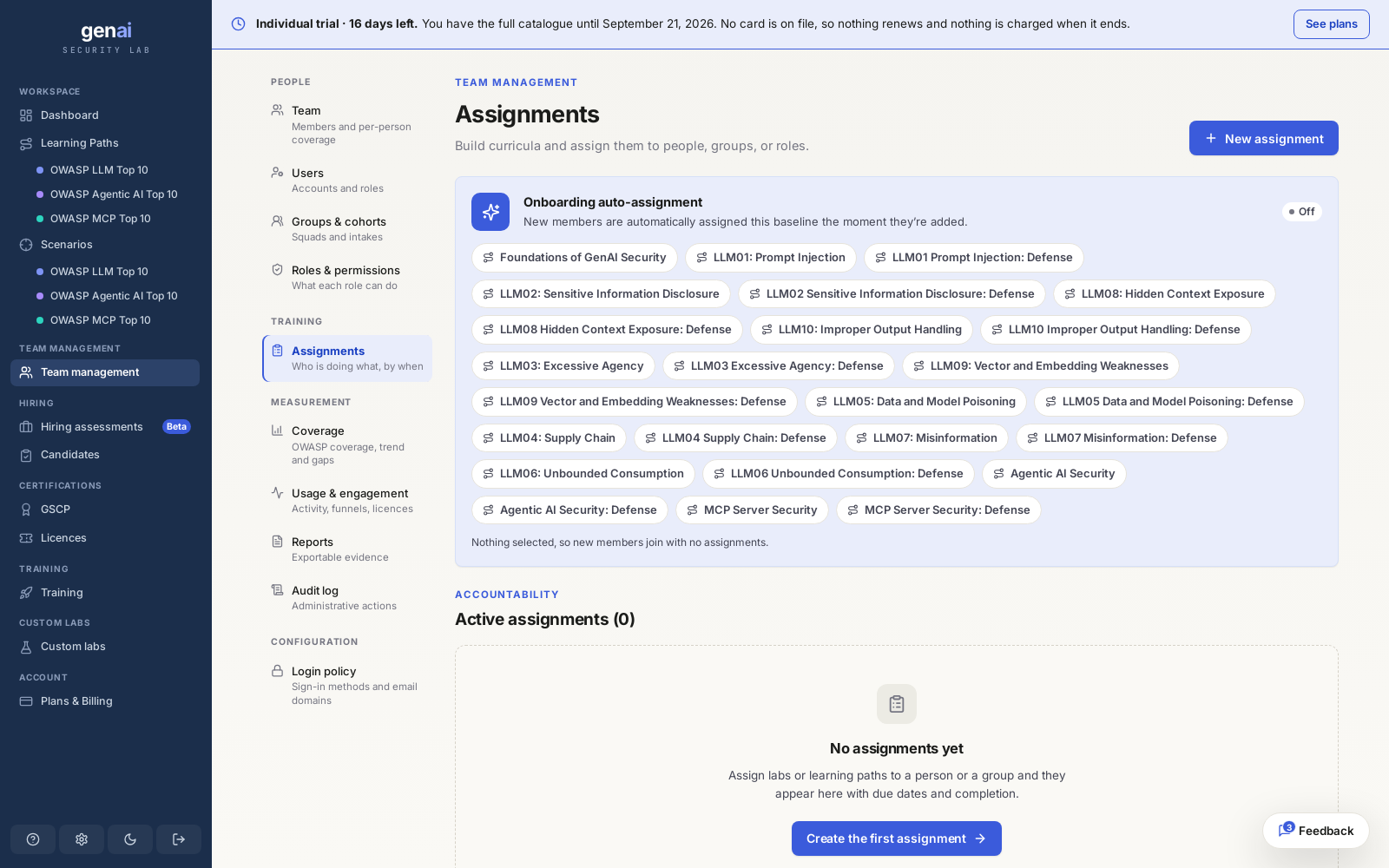
Create an assignment
Choose a learning path, set a due date, and select a group, a cohort, specific roles, or individual members. Assignments use curated learning paths rather than one-off labs, so each covers a connected sequence of exercises.
Mark the assignment required for mandatory training. Set it to recur weekly or monthly for work that needs repeating, such as a periodic refresher. You can also require members to complete a prerequisite path first to cover the fundamentals before moving on.
The due date is used for reporting. Members can still complete an objective after it passes; their completion is recorded as late rather than on time.
A fresh seed for every learner
Same objective, different secretsWhen you assign one path to twenty people, each gets the same objective wording and a target seeded for them alone. See live targets for how seeding works.
A value extracted by one learner won't work as another's answer. A shared coupon code or canary won't match in a different session. This applies whether you assign to one group, one cohort, or the whole team.
Track progress
Each assignment shows a completion percentage across all assigned members. Open it to see each member's completion status, result, and number of attempts. Results use the same objective met, partial, and not met bands used across the platform. See how grading works for how each result is determined.
A member who hasn't started shows as assigned. An approaching or passed due date only affects reporting; it doesn't block an attempt.
Change or remove an assignment
You can manually mark a member's assignment complete or incomplete, or remove a member without affecting anyone else's assignment. Marking it complete lets you credit work finished outside the platform or correct a mistake without waiting for a new attempt.
Once an assignment is live, you can't edit its due date or target audience in place. To change its scope or extend the deadline, retire it and create a new one. Your team's existing progress stays on record.